
IrriWatch | Advisor Navigation
This tab displays the data as a Data & Insights dashboard, with tables and graphs.
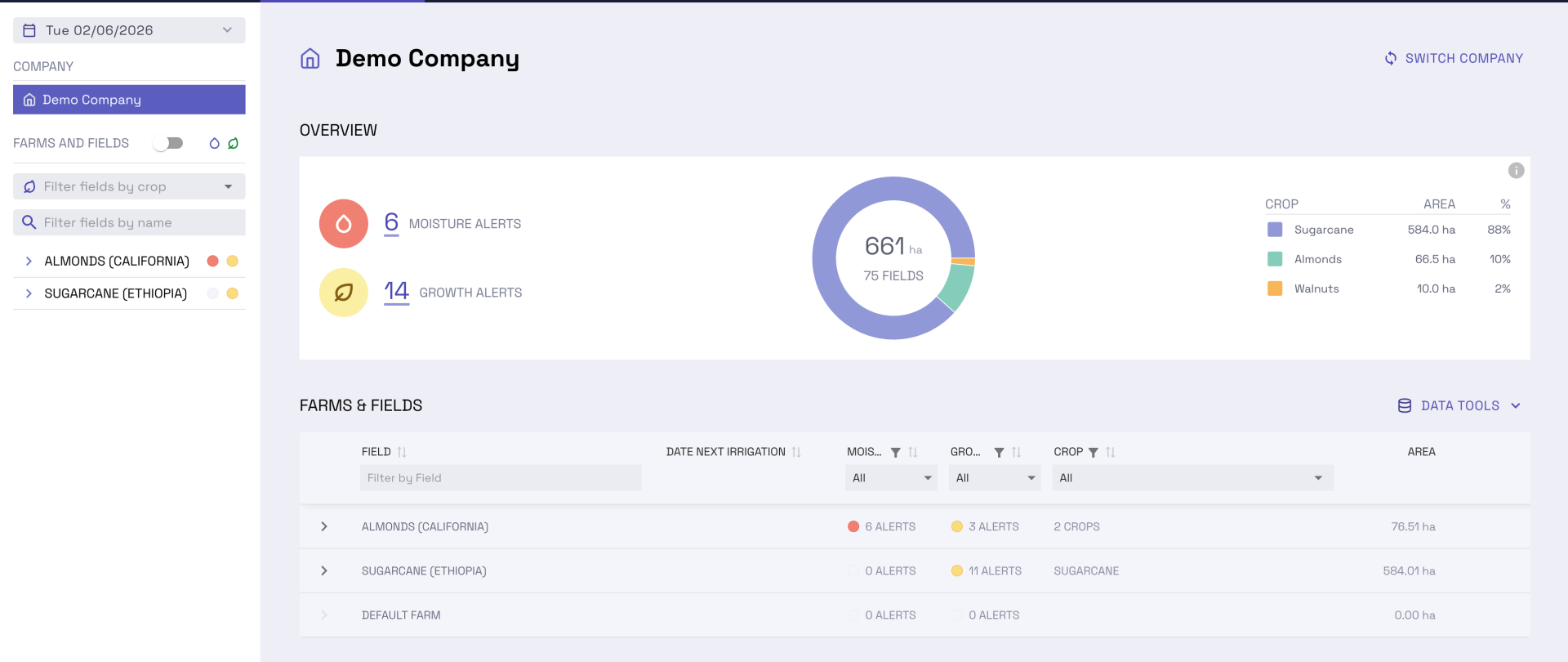
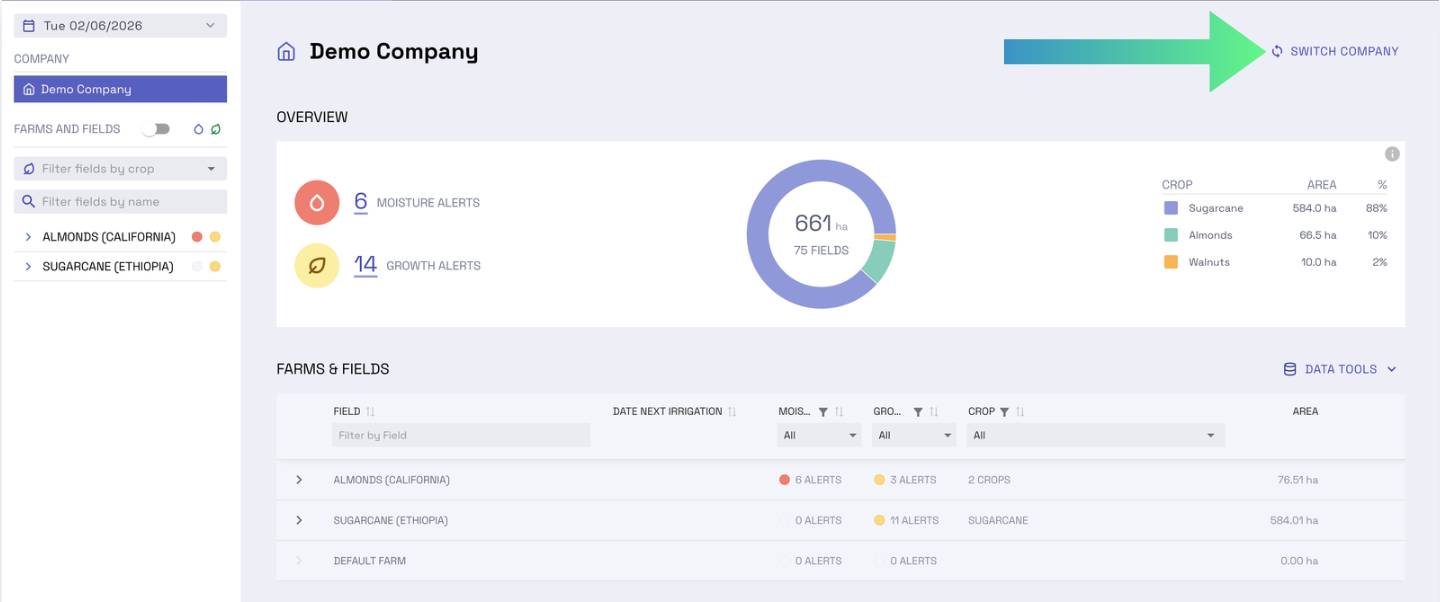
To switch company
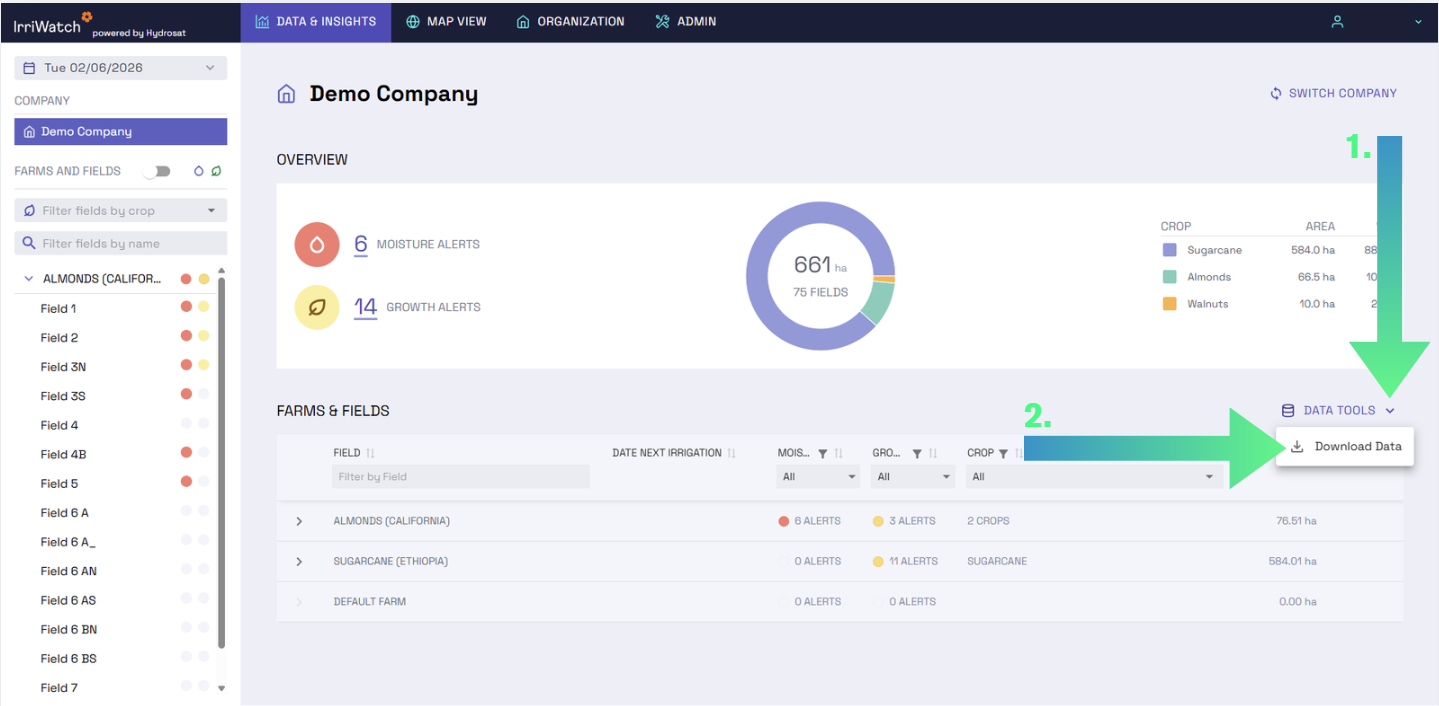
To download farm data
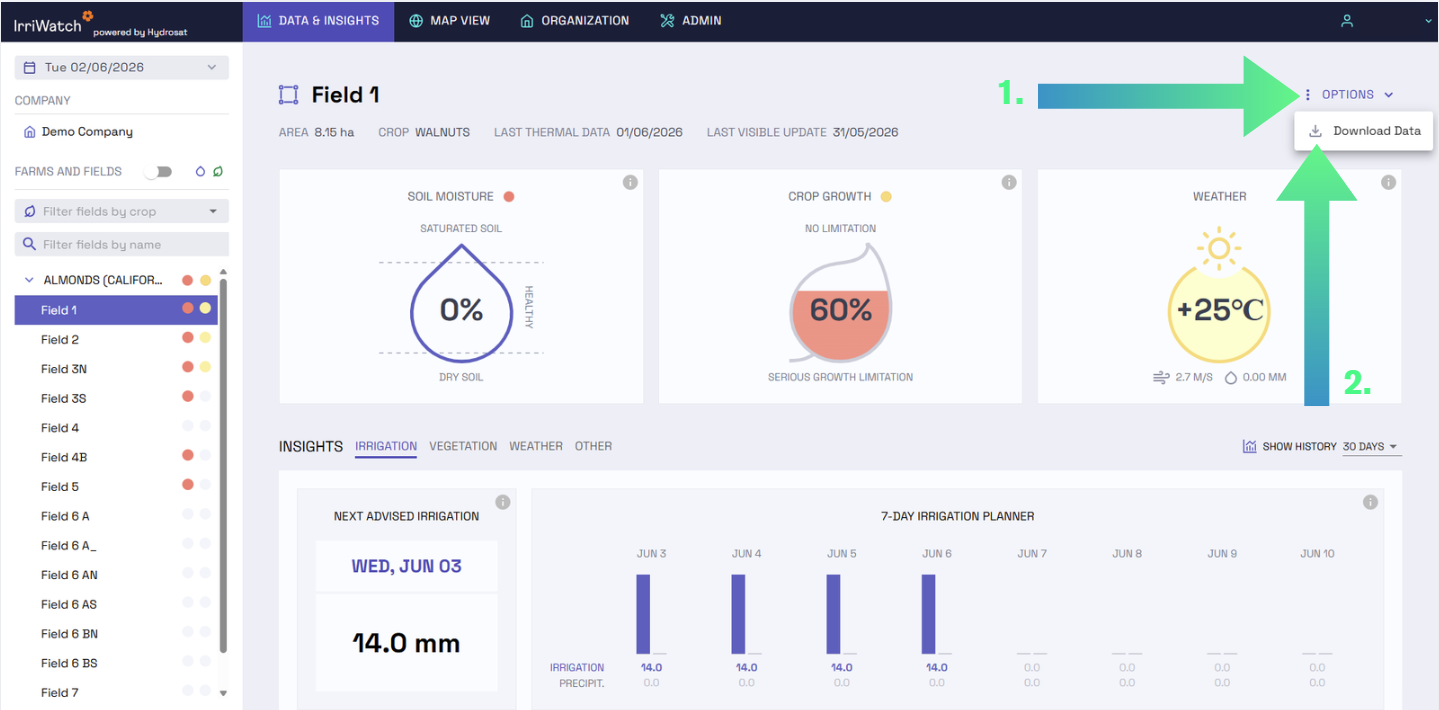
To download field data
To add data on irrigation or rainfall events, click the Data Tools button, then click the Add Data in the drop-down, and a pop-up window will appear. In this window, Managers and Editors can add outside information related to fields’ irrigation activities or rainfall information at farm or field level. For a more automated transfer of this information from the weather station, refer to the API documentation for instructions on how to link weather stations and orders.
Write your awesome label here.
A user can access deeper analytics in a Field Insights Page by selecting it using the Field Selection Panel or using the Farms & Fields Table. These pages contain insights surrounding Irrigation, Vegetation, and Weather. On each of these pages, by clicking the Show History drop-down menu (on the right), users can adjust the timeline of records, to select either: 15 days, 30 days (default), 60 days, or All time:
Write your awesome label here.
-
Adding a new crop: 'Plant a New Crop' is used to add another crop cycle in a field where a previous crop was grown. This action resets all accumulated values (irrigation, precipitation, actual evapotranspiration, net carbon supply, soil organic matter, crop growth, GDU) and begins accumulating them from the newly planted crop.If the new planting dates are in the past (before today’s date), the calculations must be redone for each day up to the updated sowing date. This requires a backward calculation, which must be triggered by Customer Support (contact irriwatch@hydrosat.com).If the new planting dates are for today or in the future, Editors or Managers in your company or subcompany can log into the portal, click on 'Edit Field,' and select 'Plant a New Crop.' This procedure still requires approval from Customer Support but does not require recalculation.
Write your awesome label here.
For more IrriWatch | Advisor:
Learn more about the features, data and uses of IrriWatch | Advisor.
Help us
Improve
Your feedback helps us make our Academy more useful. Tell us about your experience and what you'd like to see next.